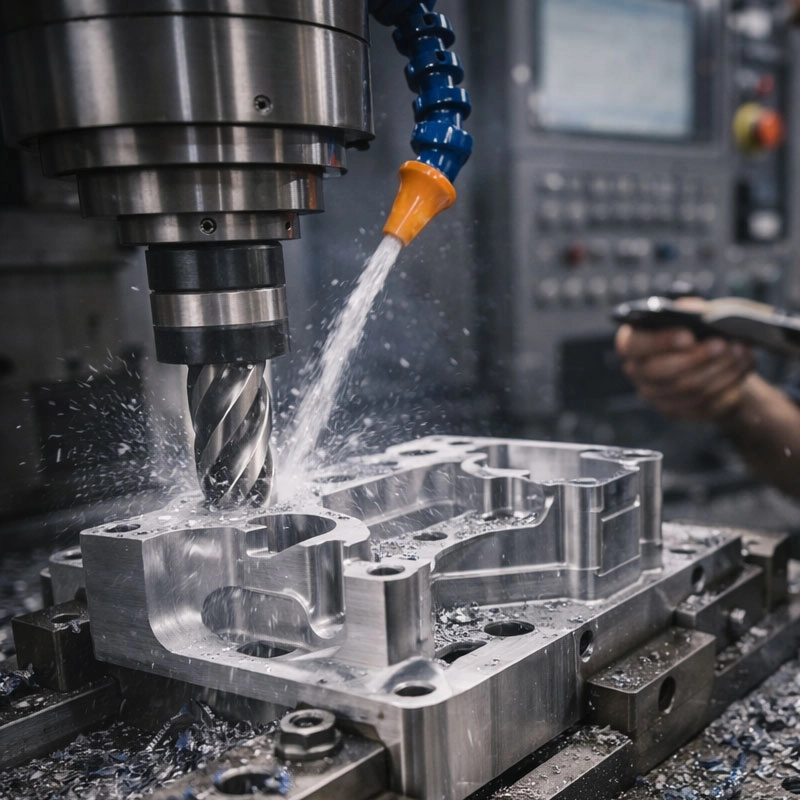
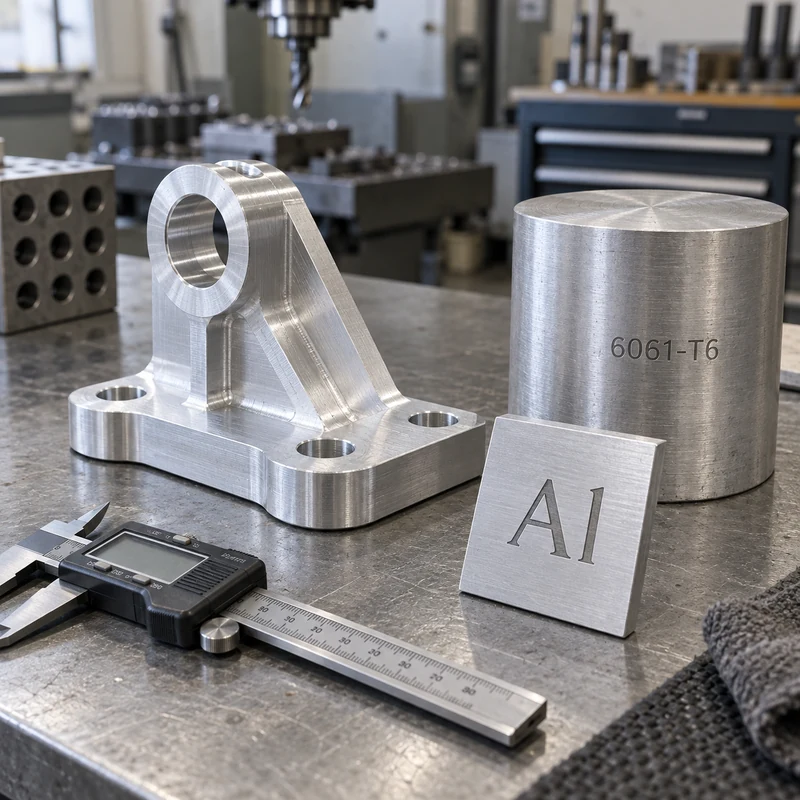
The chemical symbol for aluminum is Al: an uppercase A followed by a lowercase l. Its atomic number is 13. Aluminum and aluminium are names for the same element and use the same symbol. In chemistry, Al identifies the element; in manufacturing, an alloy and temper such as 6061-T6 provide additional information needed to specify a material.
Aluminum Symbol and Element Facts
| Item | Meaning |
|---|---|
| Chemical symbol | Al |
| How to read it | Capital A, lowercase letter l; not capital I |
| Element names | Aluminum / aluminium |
| Atomic number | 13, the number of protons |
| Relative atomic mass | Approximately 26.98 |
| Periodic table position | Group 13, Period 3 |
| Common oxidation state | +3 |
The atomic number and atomic mass answer different questions. The number 13 identifies the element through its proton count. The value around 26.98 describes relative atomic mass; it is not an alloy number, a strength rating, or a density. For broader material properties, see how aluminum behaves as a metal.
Al, AL, AI, Al3+, and Al2O3: What Is the Difference?
Small typographic differences can change the meaning of a label. The second character in Al is the lowercase letter found at the start of the word light. A font with clear letter shapes helps distinguish it from an uppercase I.
| Notation | What it represents | How to interpret it |
|---|---|---|
| Al | The chemical element aluminum | Correct capitalization for the element symbol |
| AL | May be an abbreviation or label in a document | Not the standard chemical symbol; read the document legend |
| AI | Capital A followed by capital I | Not the symbol for aluminum |
| Al3+ | An aluminum ion carrying a +3 charge | The superscript describes charge, not three aluminum atoms |
| Al2O3 | Aluminum oxide | A compound containing aluminum and oxygen in a 2:3 atomic ratio |
| 6061-T6 | An aluminum alloy and temper designation | A material condition, not a chemical formula |
In a formula, a subscript indicates the relative count of atoms. A superscript charge indicates an ion’s electrical charge. Neither notation identifies a machining grade. Aluminum oxide is also chemically different from metallic aluminum, so its properties should not be substituted for those of an aluminum workpiece.
Does Aluminium Have a Different Symbol?
No. The spelling aluminum is common in American English, while aluminium is common in British English and many other regions. Both use Al. An international drawing should nevertheless identify the governing material standard, because common element names do not establish equivalence between regional alloy specifications.
How to Read an Aluminum Material Callout
Consider the illustrative note Aluminum alloy 6061-T6. It contains three levels of information:
- Aluminum alloy identifies the material family.
- 6061 identifies an alloy designation. In the wrought aluminum system, the 6xxx family is associated with magnesium and silicon as major alloying additions.
- T6 identifies a temper: solution heat-treated and artificially aged.
The four digits are not a percentage formula. Do not read 6061 as a statement of aluminum purity. Similarly, T6 does not mean six percent of another element, a six-hour treatment, or a universal strength value. Mechanical properties must be checked for the specified product form, thickness, and applicable specification.
A different temper can change the engineering behavior of the same alloy. T651 adds a defined stress-relief condition to the heat-treatment description. Substituting one condition for another should be reviewed against the drawing rather than accepted because both names begin with 6061.
Why “Material: Al” Is Not Enough for a CNC Quote
Imagine two suppliers receive a bracket drawing with only the note “Al.” One quotes a readily available general-purpose alloy, while the other assumes a higher-strength grade. The quotes now describe different materials. Even if the dimensions match, the strength, cost, finishing response, and documentation may differ.
A clearer RFQ identifies the alloy, temper, stock form where relevant, applicable material specification, and certificate requirements. Keep finish and dimensional requirements explicit too. A compact review checklist is:
- Which alloy and temper are required?
- Which product specification applies to the purchased stock?
- Are substitutions permitted, and who approves them?
- Which dimensions must be checked after finishing?
- Is material certification or lot traceability required?
Use the engineering materials overview to explore material choices, and supply those decisions with the model and drawing when requesting machining of a precision bracket or housing. A chemical symbol alone cannot define acceptance criteria.
Keep Pure-Aluminum Data Separate From Alloy Data
Reference tables often give pure aluminum a density of approximately 2.70 g/cm3 near room temperature and a melting point near 660°C. These are useful element facts. An engineering alloy can have a different density and a melting interval rather than the same single melting point.
Likewise, there is no single strength or hardness that applies to every part labeled aluminum. Alloy composition, temper, processing, temperature, and product form matter. For a weight estimate, use an appropriate density for the specified grade. For a load calculation, use the applicable design data and material condition rather than an element-summary table.
A Practical Label-Reading Example
Suppose a supplier labels a billet “6061-T6” while the inspection sheet lists Al among the detected elements. The billet label identifies the claimed alloy and condition; the element result identifies chemistry. These records answer different questions. An elemental reading alone does not establish temper, and a handwritten stock label does not replace the required certificate.
For receiving inspection, compare the purchase order, drawing revision, material certificate, and stock identification. Resolve discrepancies before machining. This is where understanding the difference between an element symbol and an alloy designation becomes useful beyond a chemistry definition.
Frequently Asked Questions
Is the aluminum symbol Al or AI?
It is Al, with a lowercase l. AI, using an uppercase I as the second character, is not the chemical symbol for aluminum.
Does Al always mean pure aluminum?
Al is the element symbol. On a product label or engineering document it may indicate the aluminum material family, so check the alloy, temper, and specification before assuming purity.
Is aluminum oxide the same material as aluminum metal?
No. Al identifies aluminum, while Al2O3 is aluminum oxide, a compound with different properties. Its subscript numbers describe composition, not an alloy grade.
Can I order a machined part by specifying Al only?
That leaves the material definition incomplete. Provide an alloy and temper or describe the requirements and request a material recommendation for approval before production.
Technical basis: PubChem aluminum element data, the Aluminum Association alloy-designation overview, and published aluminum temper definitions. Worked procurement examples are illustrative.