
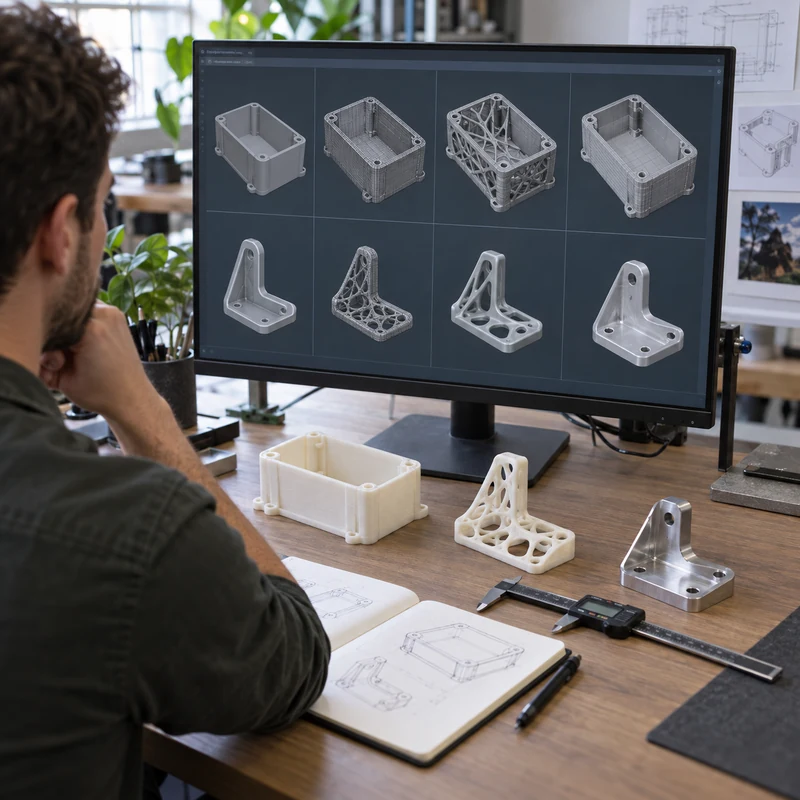
AI 3D model generators can turn text or images into meshes quickly, making them useful for concept exploration, visualization, games, and early prototype forms. A downloadable mesh is not automatically a manufacturing-ready model.
Mechanical production requires consistent scale, watertight geometry, controlled surfaces, feature dimensions, tolerances, materials, assembly logic, and revision history. This guide shows how to evaluate generated output before spending money on printing or machining.
Quick Answer
Use AI-generated models as concept geometry. Repair and validate the mesh before 3D printing. Rebuild critical products in parametric CAD before CNC machining, tooling, or tolerance-controlled production.
Comparison at a Glance
| Factor | Option A | Option B |
|---|---|---|
| Output | Usually polygon mesh | Production engineering prefers controlled CAD |
| Dimensions | May be arbitrary or inconsistent | Must be explicitly defined |
| Topology | Can contain holes and self-intersections | Needs watertight valid geometry |
| Revisions | Prompt changes may alter everything | CAD supports controlled feature changes |
| Manufacturing | Good for concept prints after repair | Not automatically CNC-ready |
What to Test in a Tool
Compare prompt adherence, image-to-3D quality, symmetry, view consistency, mesh density, export formats, commercial rights, privacy, and the ability to edit selected regions. Free access limits can change, so verify current terms directly.
Mesh Quality Checklist
Inspect for non-manifold edges, inverted normals, intersecting shells, thin walls, floating geometry, excessive polygons, and open surfaces. Confirm scale before slicing.
- Repair watertightness
- Reduce unnecessary polygons carefully
- Check minimum wall and clearance
- Orient and add supports
- Run a small test print
From Mesh to CAD
Automatic surface conversion can create heavy, fragile models. For functional products, use the generated mesh as a visual reference and rebuild sketches, planes, holes, datums, ribs, and interfaces as controlled features.
3D Printing Use
Concept meshes can work well for appearance models once repaired. Choose FDM for inexpensive form studies, SLA for smooth detail, and powder-bed nylon for functional geometry.
Why CNC Needs More
CNC needs exact surfaces, machinable features, tool access, corner radii, setups, material, tolerances, and drawings. A visually plausible mesh can contain geometry that cannot be held, reached, or inspected.
- Create STEP geometry
- Define datums and tolerances
- Review tool access
- Select production material
- Add drawings for threads and finishes
Licensing and Confidentiality
Confirm whether generated assets may be used commercially and whether uploaded product images or CAD data are retained for model training. Do not upload confidential customer geometry without approved terms.
Frequently Asked Questions
Can an AI mesh be CNC machined directly?
Sometimes CAM can import meshes, but product-quality CNC work generally benefits from repaired surfaces or rebuilt CAD plus controlled drawings.
Are free AI 3D tools truly free?
Many use credits, limited exports, watermarks, non-commercial terms, or paid high-resolution output. Verify current conditions.
What file format is best?
STL or OBJ suits mesh workflows; STEP is preferred for controlled mechanical CAD and CNC quoting.