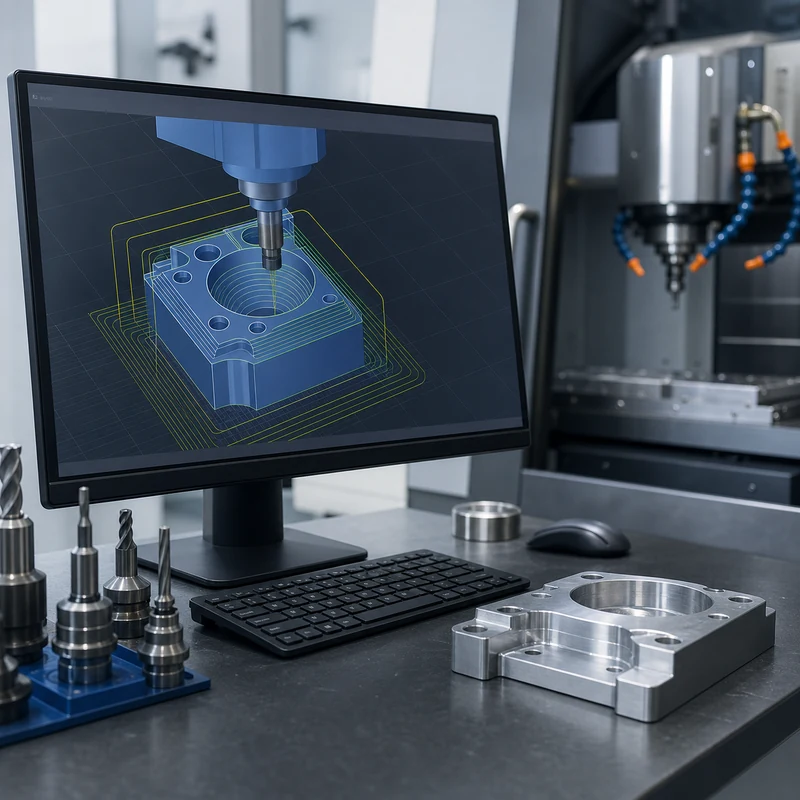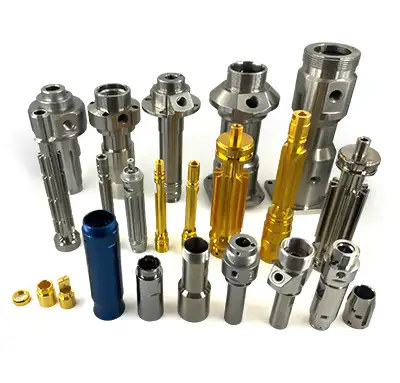
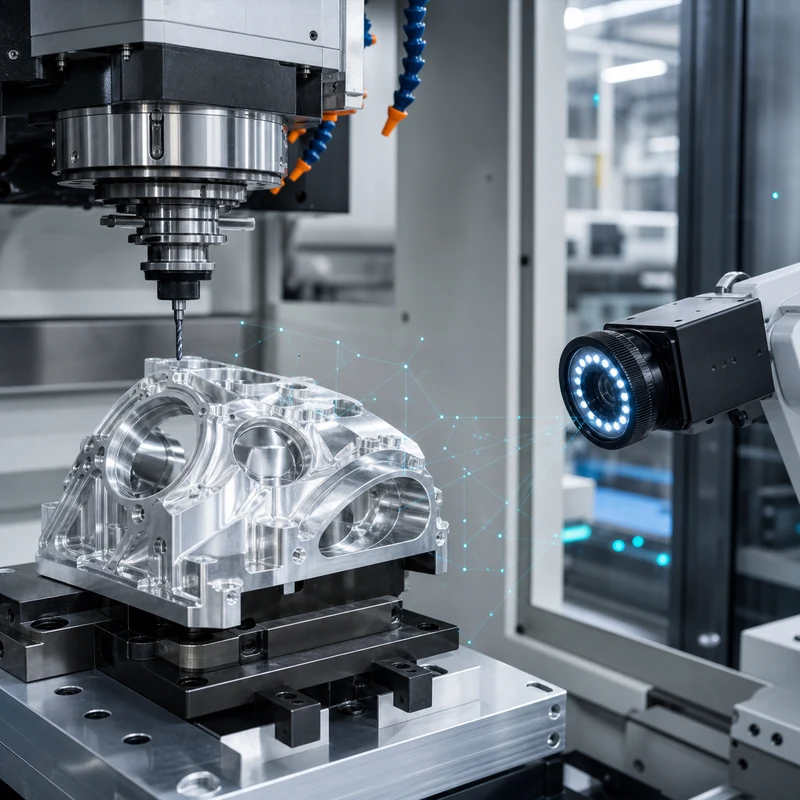
Artificial intelligence is becoming useful in CNC machining, but its role is practical rather than magical. It can help engineers analyze data, improve programming decisions, detect process drift, organize production schedules, and support inspection. It does not remove the need for capable machines, experienced programmers, stable fixtures, or sound manufacturing judgment.
For custom machined parts, the strongest results come when AI tools are connected to real process knowledge: material behavior, tool access, tolerance risk, machine condition, and inspection data. MTSPi treats AI as a support layer inside disciplined CNC machining services, not as a substitute for engineering review.
Where AI Fits in CNC Machining
| Application | What AI Can Support | Human Control Still Needed |
|---|---|---|
| Programming support | Feature recognition, operation suggestions, setup notes, coding assistance | Datum strategy, tool selection, fixture review, collision judgment |
| Toolpath optimization | Parameter suggestions, engagement analysis, cycle-time comparison | Material behavior, machine limits, surface-finish requirements |
| Predictive maintenance | Trend detection from vibration, load, temperature, and spindle data | Maintenance decisions and production scheduling |
| Quality inspection | Vision checks, defect classification, measurement trend analysis | Gauge selection, CMM programming, drawing interpretation |
| Production planning | Capacity analysis, job sequencing, bottleneck visibility | Priority decisions, supplier coordination, customer commitments |
AI-Assisted CNC Programming
Programming complex parts requires decisions about workholding, tool reach, cutting sequence, rest machining, collision avoidance, and finishing strategy. AI-supported software can help recognize features, compare operation choices, and reduce repetitive programming work. The final program still needs review by someone who understands the machine, tools, material, and tolerance plan.
- Shorter programming time for repeated feature families.
- Earlier warnings about tool access or collision risk.
- More consistent operation templates across similar parts.
- Better knowledge capture from historical machining jobs.
Toolpath Optimization and Cutting Data
AI systems can analyze previous jobs, material data, tool performance, and machine load to recommend changes to feeds, speeds, stepovers, depth of cut, and cutting sequence. This can be valuable for 5-axis machining, titanium machining, stainless steel parts, and high-mix low-volume production where process setup time matters.
| Goal | AI Contribution | Practical Check |
|---|---|---|
| Reduce cycle time | Compare tool engagement and air-cutting time | Do not sacrifice surface finish or tool life |
| Improve tool life | Identify load spikes and unstable cutting zones | Confirm with real tool wear data |
| Stabilize dimensions | Track drift and suggest compensation windows | Use measurement feedback from critical features |
| Improve finish | Correlate parameters with roughness or visible marks | Validate with surface roughness inspection when required |
Predictive Maintenance
Unexpected machine downtime can disrupt delivery and create quality risk. Predictive systems use sensor data such as vibration, spindle load, temperature, servo behavior, and alarm history to flag abnormal trends before a failure stops production. For precision machining, this matters because worn spindles, thermal drift, or unstable axes can affect accuracy long before a machine completely fails.
AI and Automated Inspection
Inspection is one of the most practical AI use cases. Camera systems can help detect surface defects, missing features, burrs, mixed parts, or handling damage. Measurement data can also be analyzed over time to identify tool wear, fixture movement, or process drift. However, AI inspection must be tied to the drawing and validated measurement methods.
- Use CMM inspection for GD&T, datums, and complex feature relationships.
- Use micrometers, bore gauges, thread gauges, and pin gauges where they match the feature function.
- Use camera inspection for visible defects, part presence, orientation, and surface anomalies.
- Use trend analysis to catch process movement before parts go out of tolerance.
Production Planning and Scheduling
A CNC shop must balance machine availability, materials, tool setup, fixture use, inspection capacity, finishing lead times, and customer priorities. AI-driven planning tools can highlight bottlenecks and propose job sequences, but they work best when the underlying data is accurate and the team updates real constraints such as material arrival, urgent rework, or inspection queue delays.
Limits of AI in CNC Manufacturing
AI can support better decisions, but it cannot guarantee part quality by itself. Poor drawings, vague tolerances, weak fixtures, worn tools, unverified material, or incomplete inspection plans will still create problems. The most reliable approach combines software, skilled engineers, stable machines, and documented quality control.
| Common Misunderstanding | Better View |
|---|---|
| AI replaces machinists | AI helps skilled teams make faster and more consistent decisions |
| AI guarantees perfect accuracy | Accuracy still depends on machine, setup, tooling, material, and inspection |
| AI can fix unclear drawings | Critical dimensions, datums, finishes, and acceptance criteria still need definition |
| AI only matters in large factories | Smaller shops can also benefit from data capture, programming templates, and inspection trends |
Future Trends
The next stage of AI in CNC machining will likely focus on connected CAM workflows, automated manufacturability feedback, adaptive machining, closed-loop inspection, predictive tooling, and better quoting intelligence. These tools will be most useful when they shorten engineering review cycles while keeping manufacturing decisions traceable.
How MTSPi Uses Technology in CNC Projects
MTSPi reviews CAD models, drawings, material requirements, tolerances, finish notes, and inspection needs before production. Digital tools can support quoting, programming, quality planning, and documentation, while experienced engineers remain responsible for the manufacturing route. Share your part requirements through the contact page.
Related MTSPi Resources
FAQ
Will AI replace CNC machinists or programmers?
AI is more likely to support machinists and programmers than replace them. Process planning, fixture judgment, tolerance interpretation, and troubleshooting still require manufacturing experience.
What is the most practical use of AI in CNC machining today?
Practical uses include programming assistance, toolpath optimization, predictive maintenance, inspection trend analysis, and production scheduling support.
Can AI improve CNC part quality?
Yes, when it is connected to reliable process data and inspection feedback. It cannot compensate for poor workholding, unclear drawings, or weak quality control.